

- Figma
$29
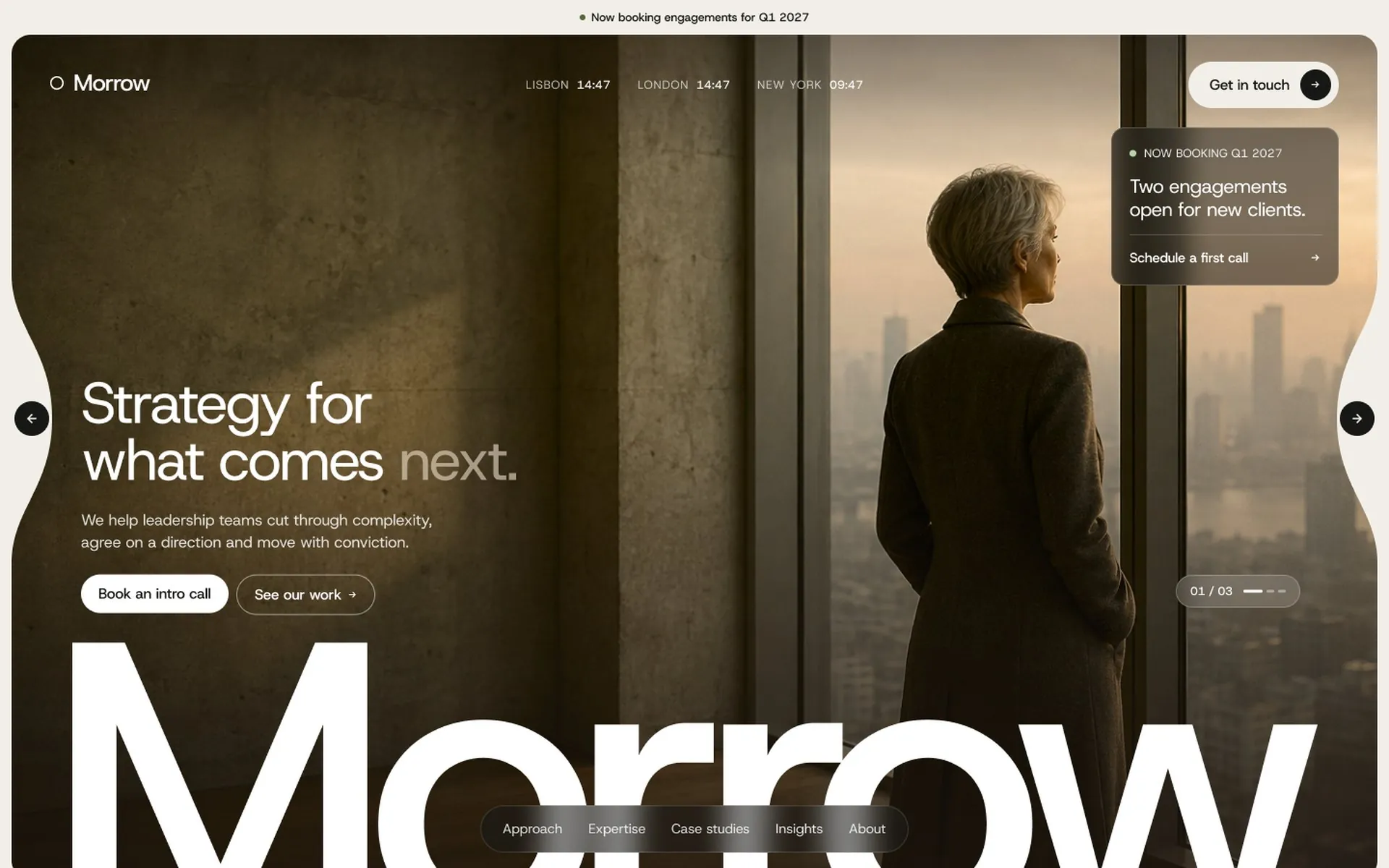
A calm, confident site for strategy and leadership consultancies.
Every template as a standalone Figma file: variables, text styles, components and every breakpoint. Rebrand it in one place, then build it in any tool.
How it works
No plugin, no export. The file opens in Figma with everything a designer expects, ready for your brand.
Pick a template on the shelf and buy its Figma file on its own, for a one-time price. It is yours for good.
Open the file from your library, or download the .fig. Every breakpoint on its own page, a local library, nothing to install.
Change the colour, type and spacing variables once. Every component and every breakpoint follows. Then build it in any tool.
In every Figma kit
Pages for each breakpoint, a local library, and names that match the Webflow build class for class.
The shelf
Pick a look and buy its Figma file on its own, once. Already bought the template? Its Figma file is in your library.
Showing 1 to 6 of 6
A calm, confident site for strategy and leadership consultancies.
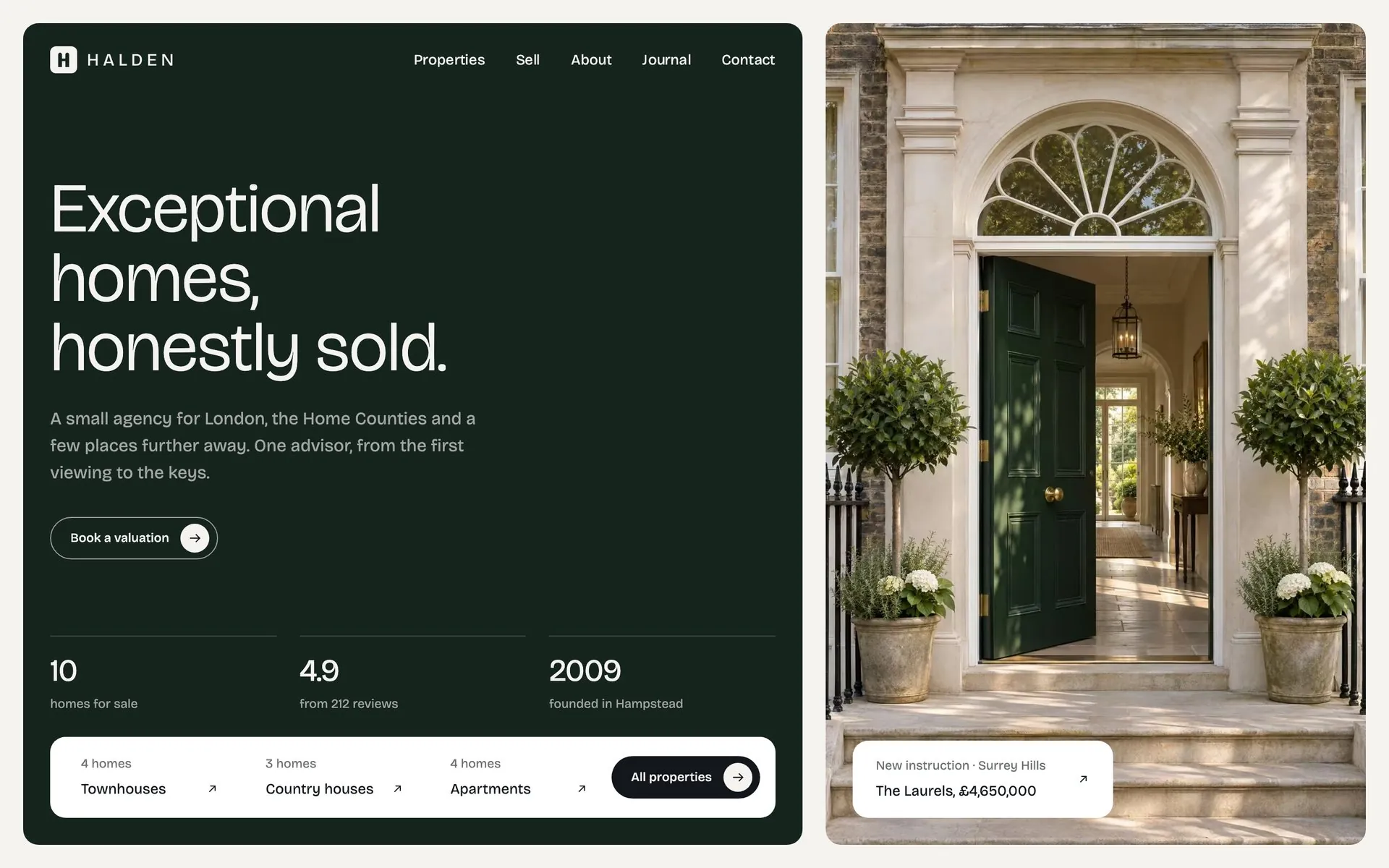
Listings, valuations and a warm agency story for independent estate agents.

Small-group training club with programmes, coaches and memberships.
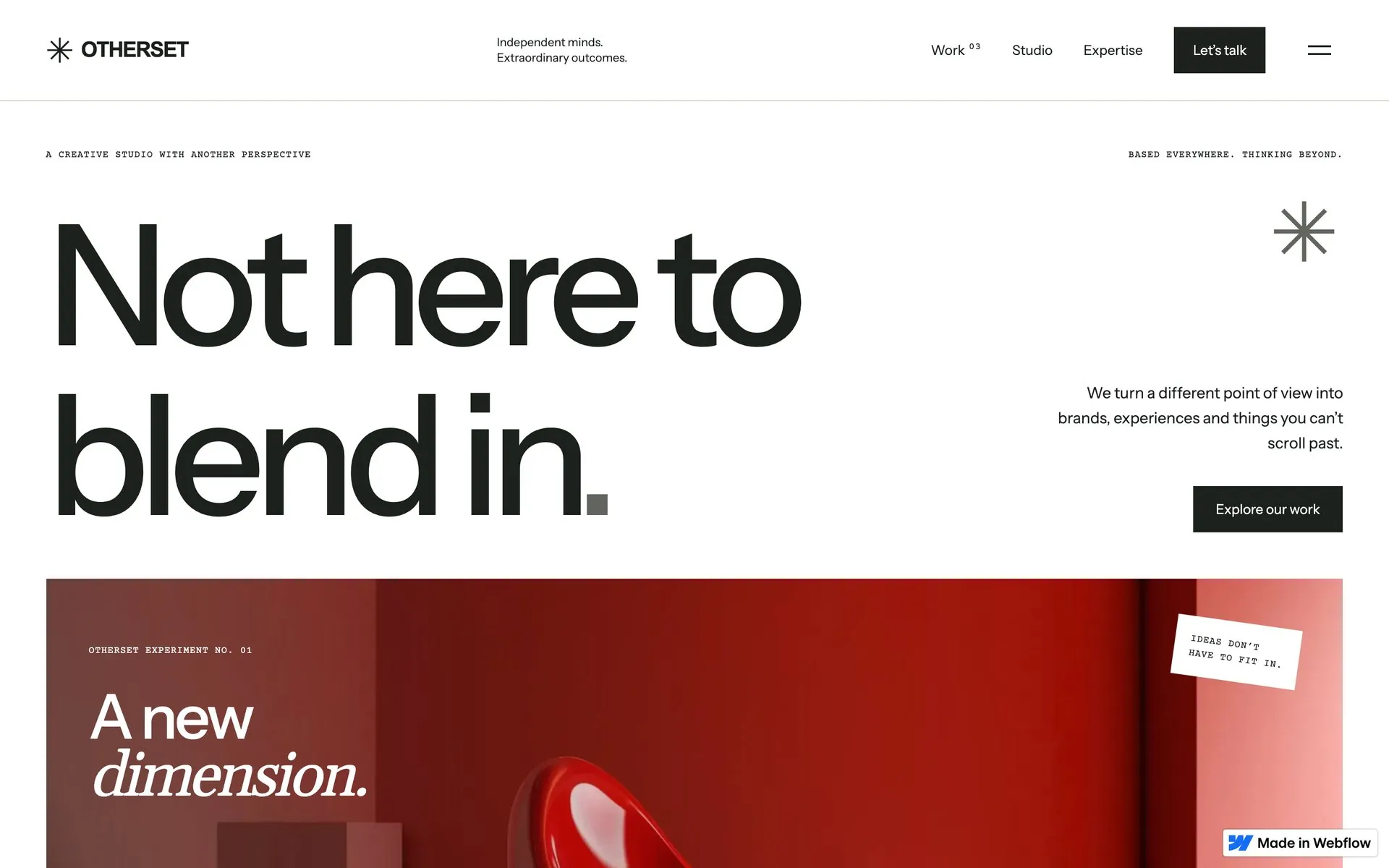
A bold studio site with case studies, expertise and a sharp voice.
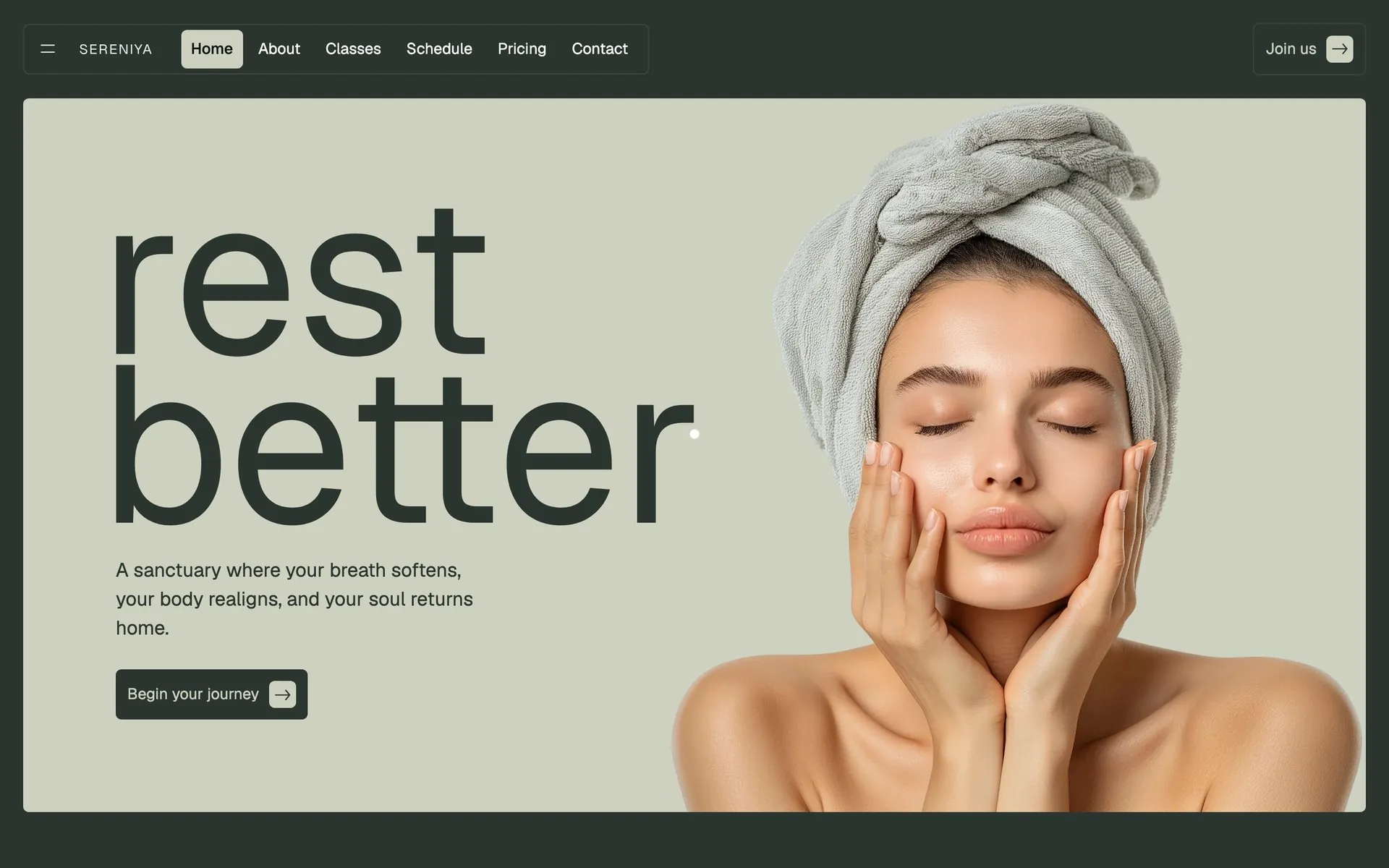
Soft, airy spa site with treatments, schedule and bookings.
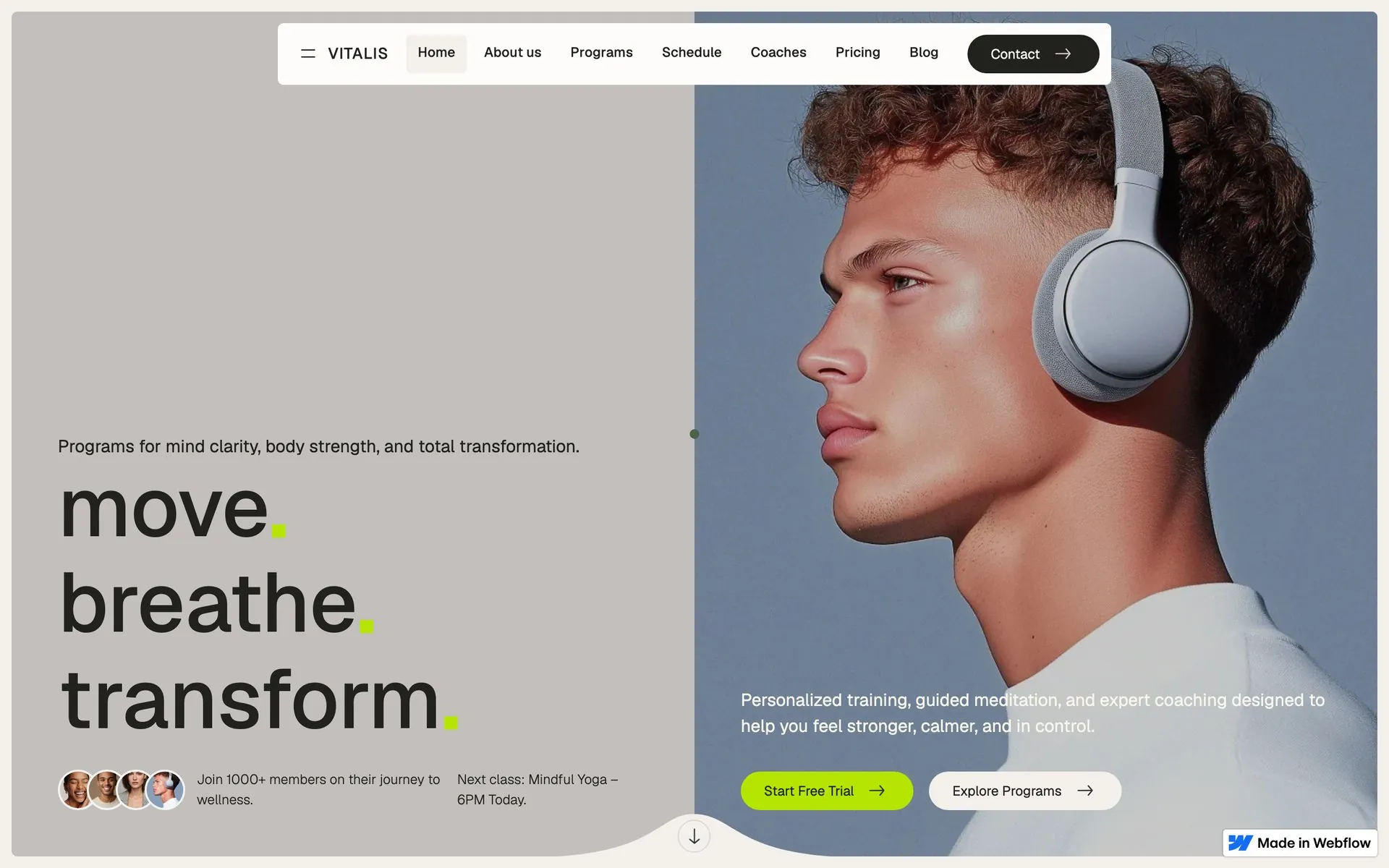
Energetic studio site with classes, coaches, pricing and a blog.
FAQ
Still unsure? Write to hello@readymade.supply. A human replies within one working day.
The full design of a template: every page at every breakpoint, variables for colour, type and spacing, text styles, and components with variants.
From your library. Open it straight in Figma, or download the .fig file. Nothing to install.
Yes. The file is just the design, so you can build it in any tool. The ready-made Webflow and Framer versions are sold on their marketplaces.
Then its Figma file is already in your library, at no extra cost.
One licence, one end product: your own site or one client's. Commercial use is included. Reselling the template itself, or a remix of it, is not.
Figma files and All access are digital products: all sales are final and refunds are not provided once a purchase is completed. Webflow and Framer templates are sold on their marketplaces: contact Webflow or Framer, or read their refund policies. Read the refund policy.
Yes. All access opens every Figma kit, along with every template, section and wireframe.
Every template as a Figma file, ready for your brand. Buy one kit, or open them all with All access.
Showing 1 to 6 of 6
A calm, confident site for strategy and leadership consultancies.
Listings, valuations and a warm agency story for independent estate agents.
Small-group training club with programmes, coaches and memberships.
A bold studio site with case studies, expertise and a sharp voice.
Soft, airy spa site with treatments, schedule and bookings.
Energetic studio site with classes, coaches, pricing and a blog.


