Sereniya
13 sections- Webflow
- Framer
- Figma
- HTML
Heroes, features, testimonials, footers and more, cut from the templates on the shelf. One click puts them in Webflow, Framer or Figma, and each one comes with the prompt to rebuild it in any AI builder.
How it works
No export, no plugin, no rebuilding from a screenshot. The section lands in your project as real, editable elements.
Hero, features, FAQ, footer: filter by type or by template, preview each one at desktop, tablet and mobile.
Copy to Webflow, Framer or Figma, or copy the prompt. Classes and breakpoints travel with it.
Paste into your page. Rename, restyle, reorder: it is yours now, built to be edited, never locked.
Fresh in the library
Previews are free to browse at every breakpoint. Copying, the prompts and the wireframes come with All access.
Showing 1 to 12 of 23
Features
Features
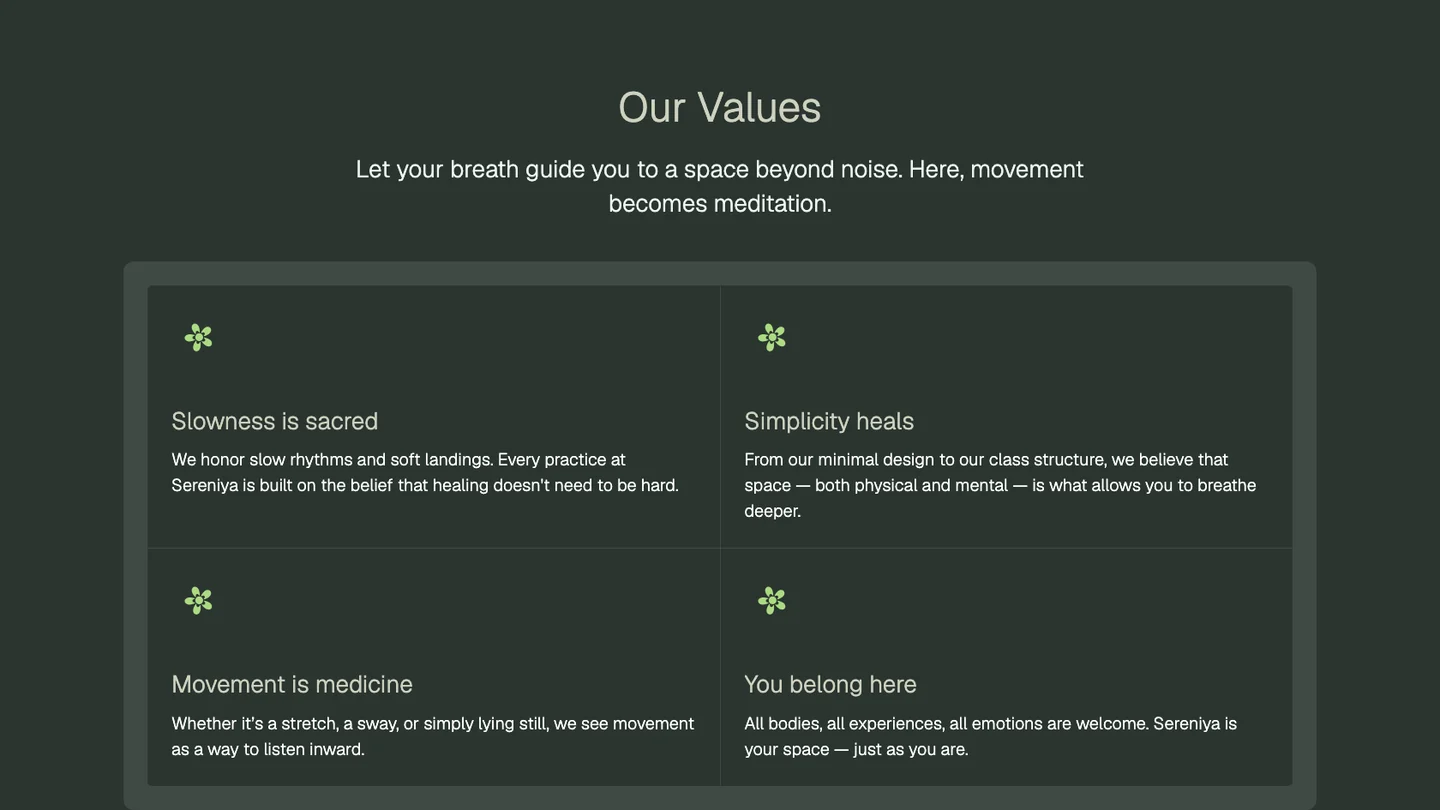
About
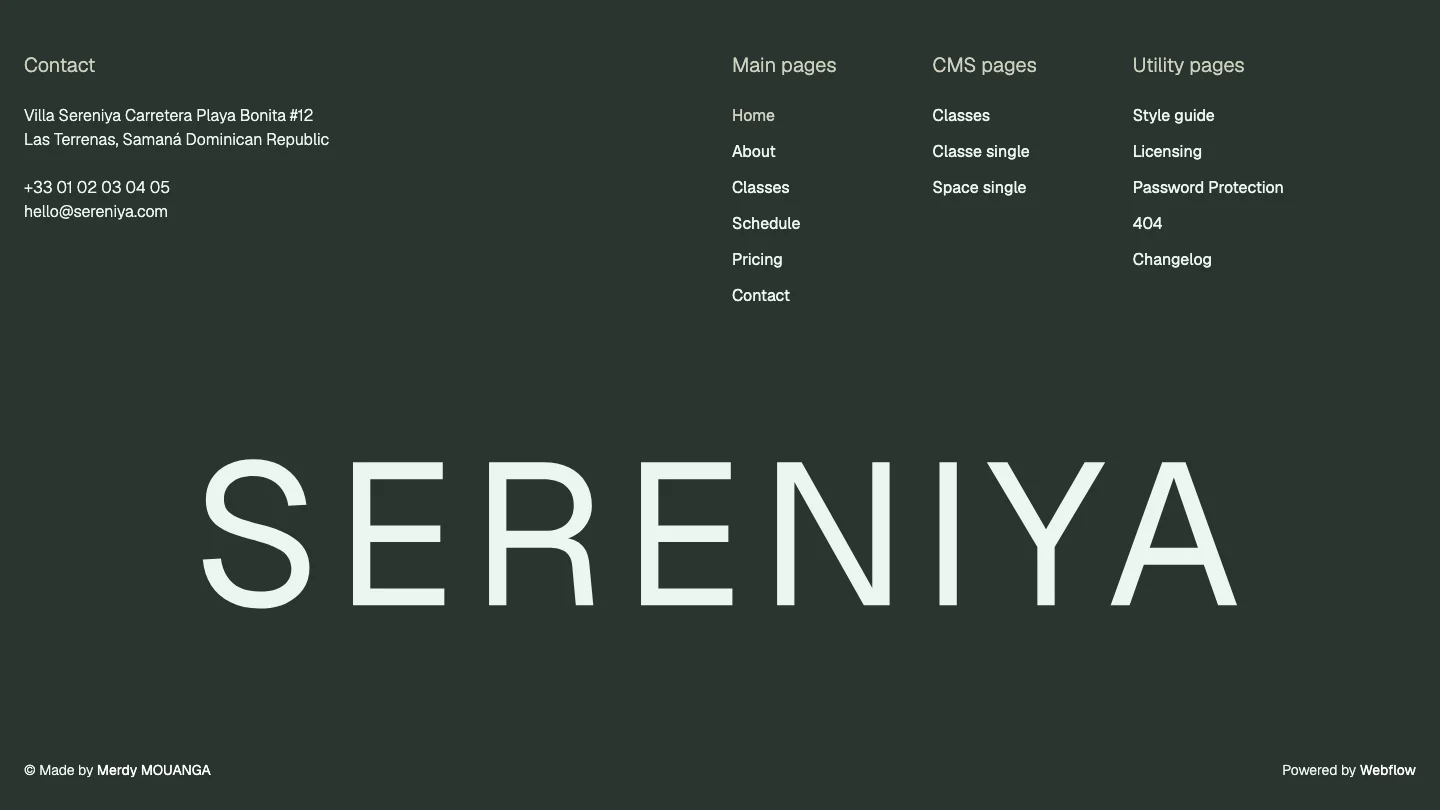
Footer
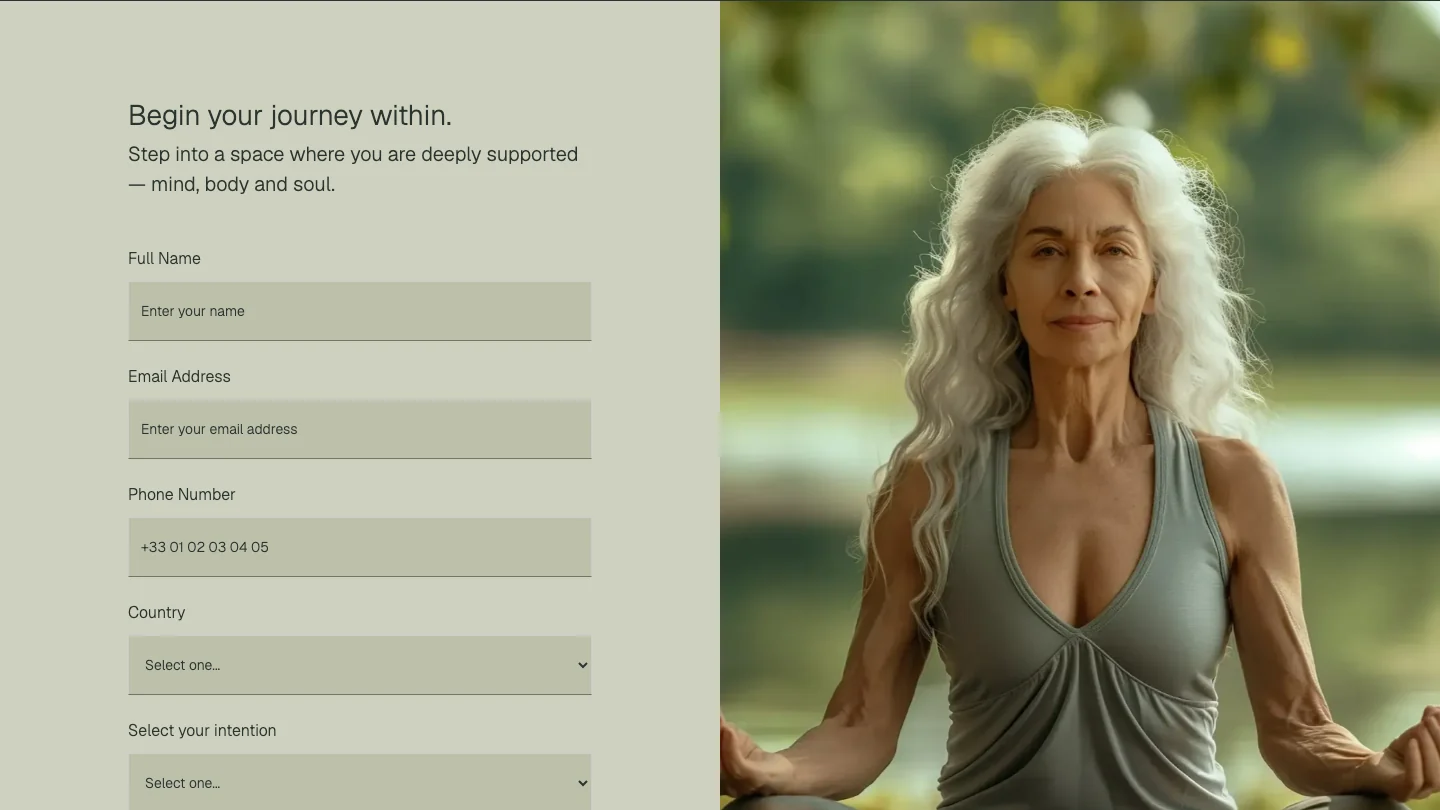
Contact
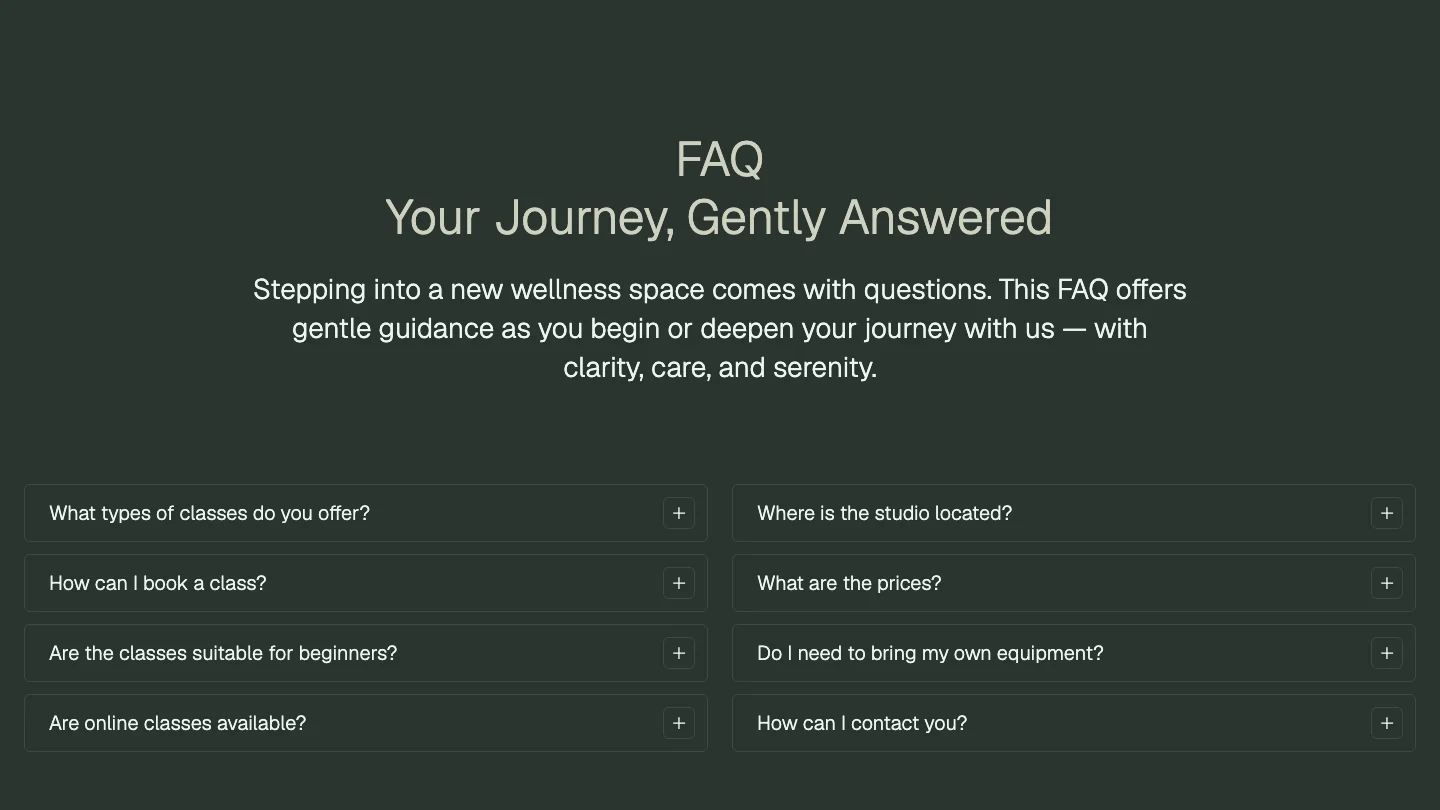
FAQ
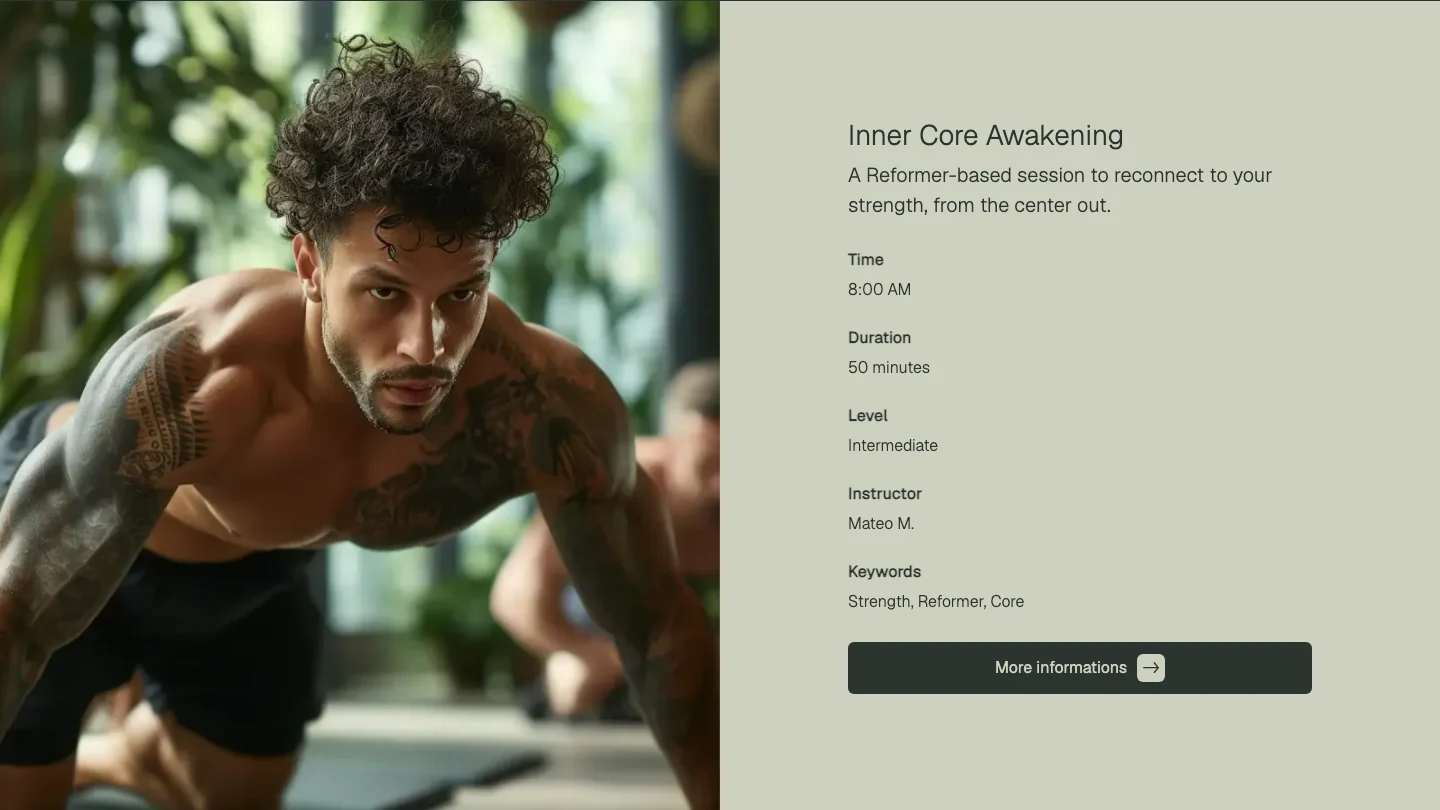
Features
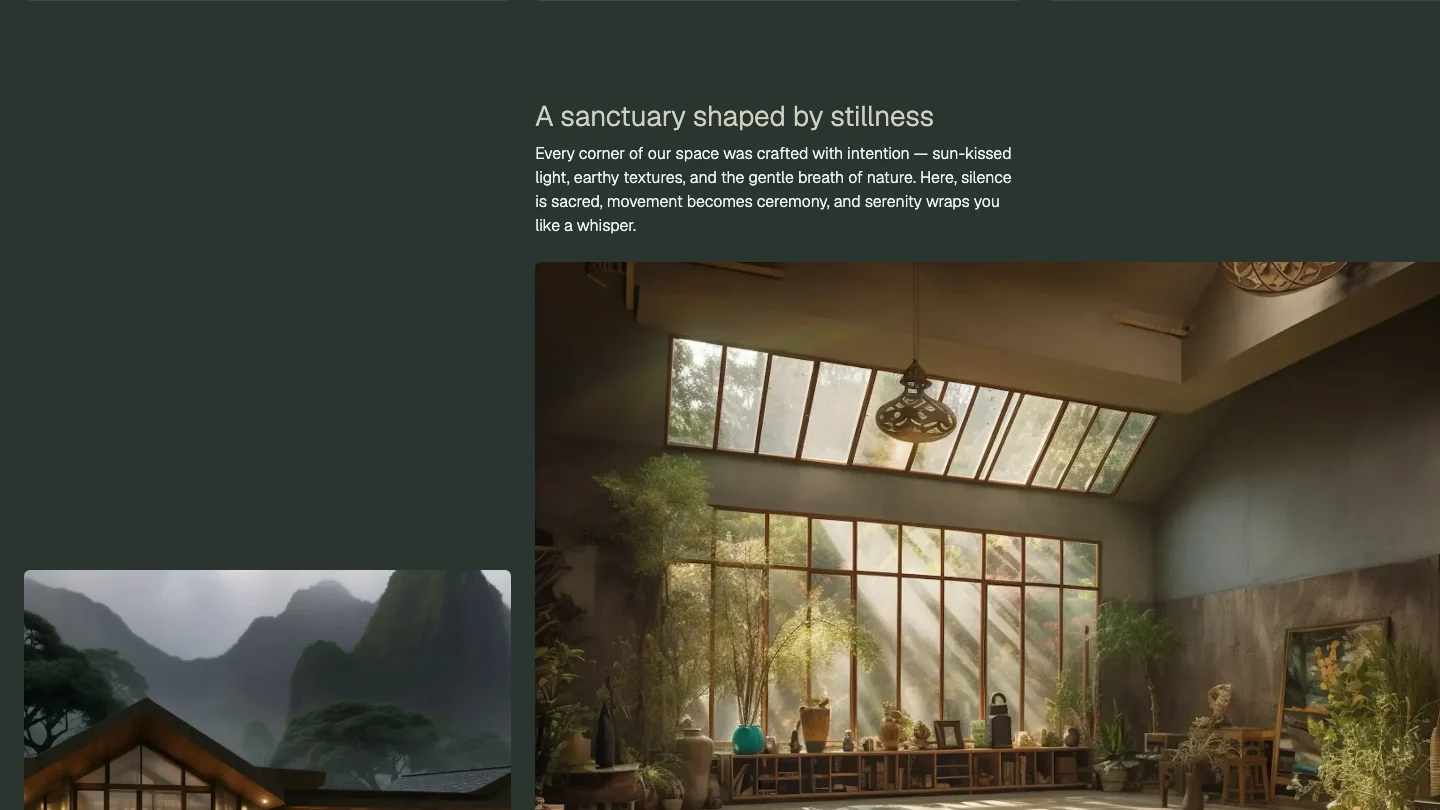
About
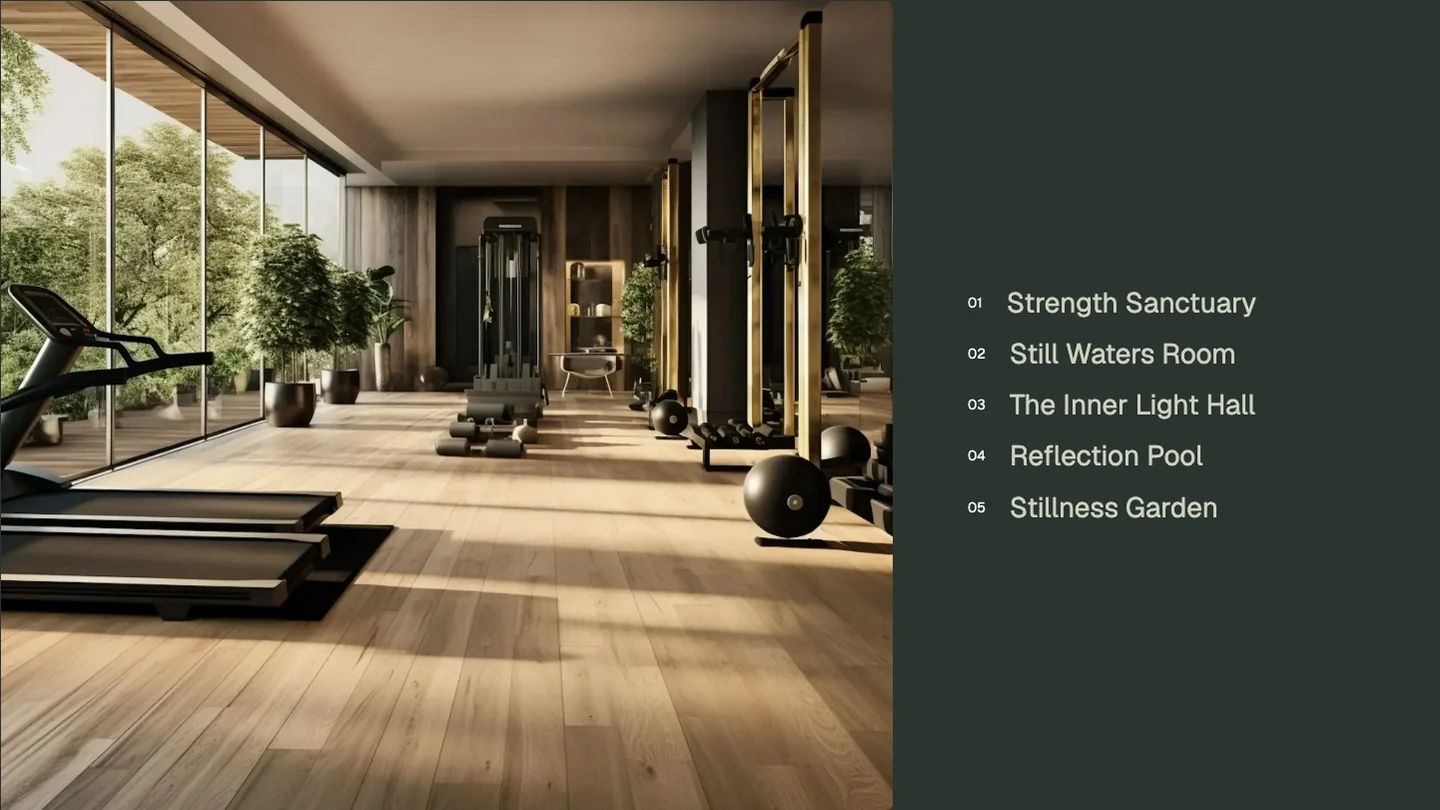
Features
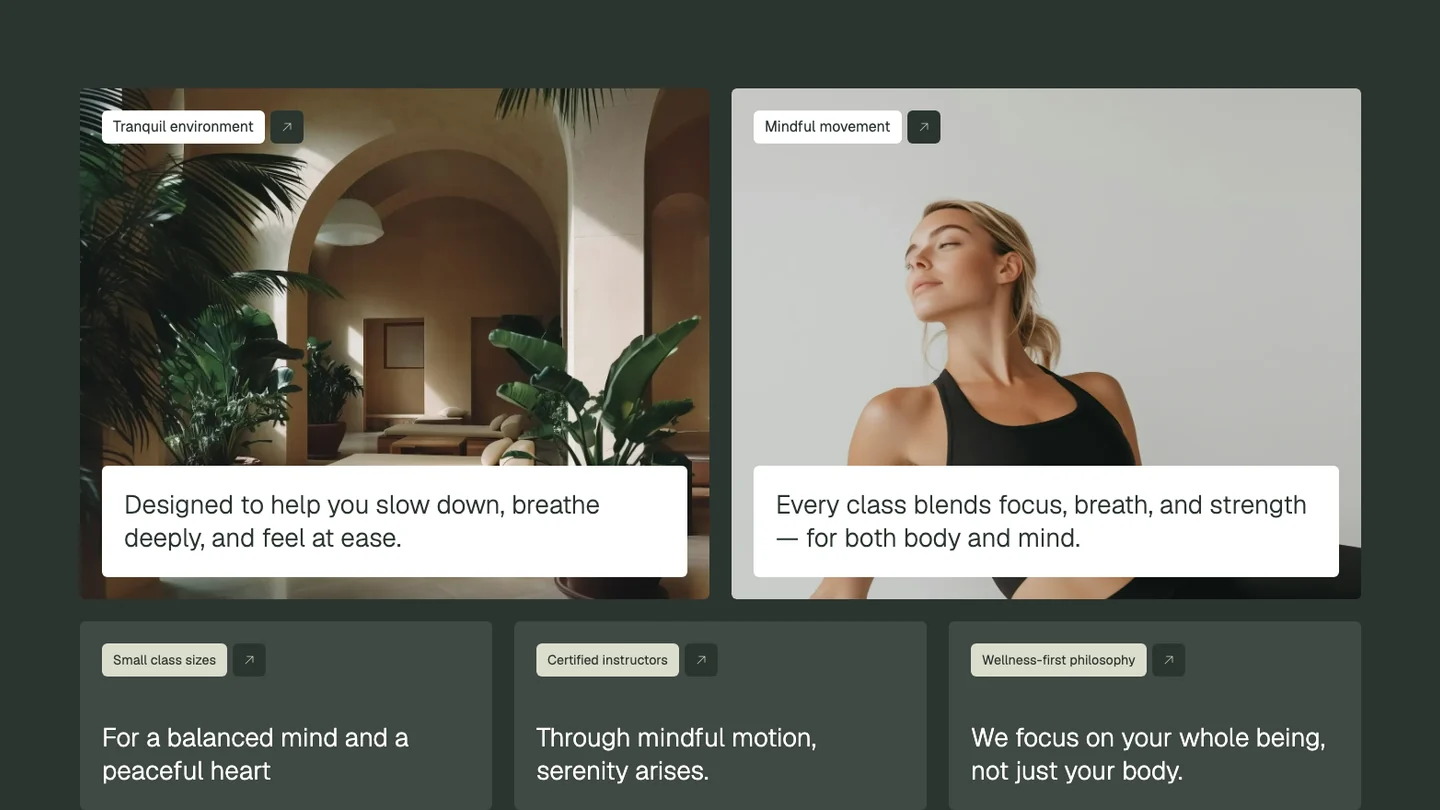
Features
About

Hero
Prompts
Every section comes with a written brief: layout, content, type, colour, spacing, breakpoints and motion. Paste it into any AI builder and get the same section, built your way.
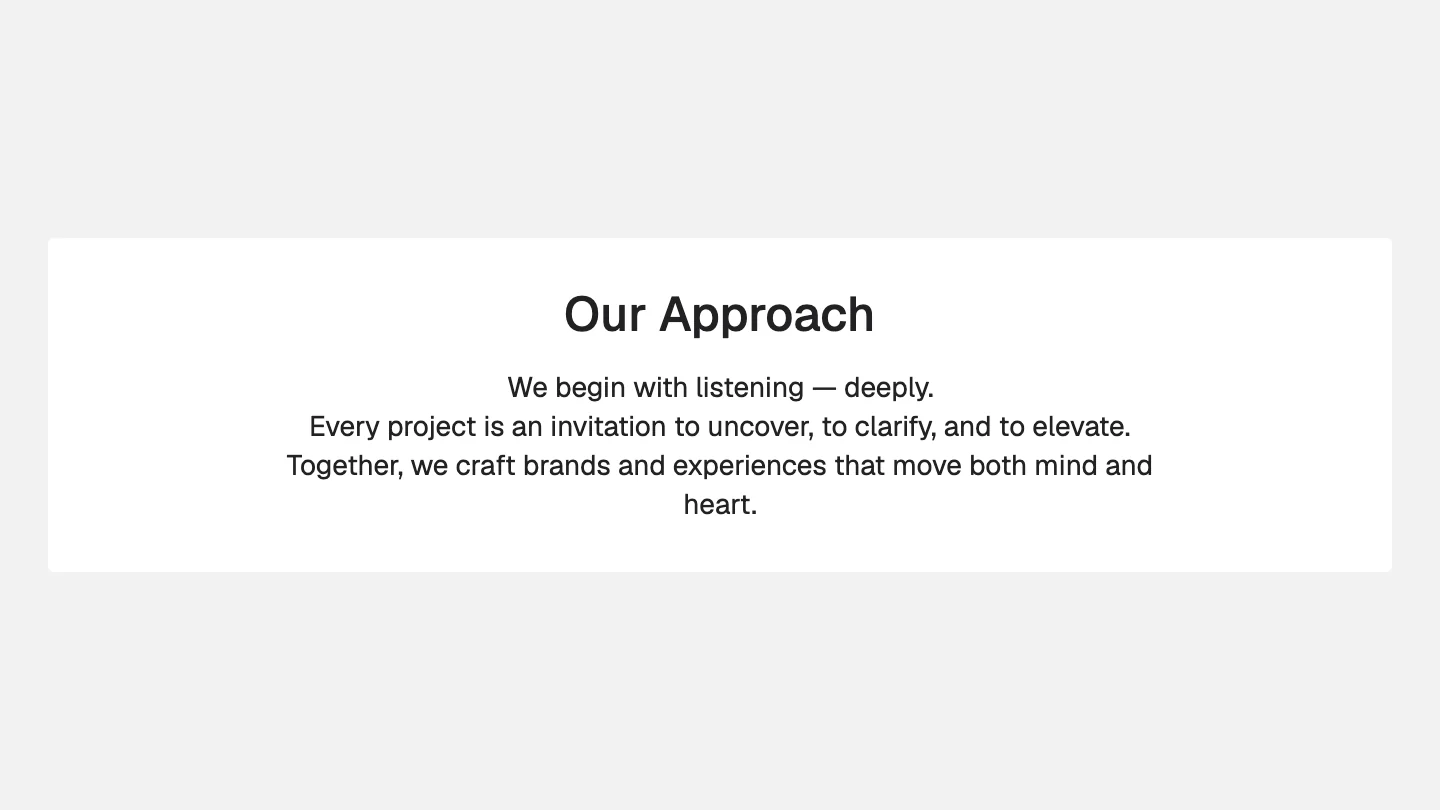
Build a centred "Our Approach" statement for a branding and design studio, a heading over three short lines that say how the studio works. Match every value below exactly: sizes are CSS pixels, breakpoints are max-widths.

LAYOUT
- Section: full width, light grey background (#F2F2F2), text colour #222123. Padding 0 top and bottom, 48px left and right, no max-width container. Its height follows the content (334px at 1440px).
Copy every section and prompt with All access, $199 per year.
Previews are free to browse. Copying needs the pass.
Browse by type and open any section to see it on desktop and mobile.
One click. The brief reads well for people and machines alike.
Use it in Figma Make, Lovable, Claude, v0, Bolt or any AI builder, or hand it to a developer as a spec.
Included in All access
There is no single-section purchase. All access opens every section, every prompt and every template, for one yearly price.
$199per year
“The pass paid for itself on the second client project. I stopped starting from a blank canvas, and so did my team.”
FAQ
Still unsure? Write to hello@readymade.supply. A human replies within one working day.
Yes. Copied to Webflow, a section pastes as native elements with its class names, next to your own. In Framer and Figma it lands as editable layers.
Any that takes a written brief: Figma Make, Lovable, Claude, v0, Bolt and others. You can also hand the prompt to a developer as a spec.
One yearly payment of $199 unlocks every template in Webflow, Framer and Figma, every section with its AI prompt, and every new template while the pass is active. The Webflow version installs from each template's download page, straight into your Webflow workspace, as many sites as you need.
Each section comes with a detailed AI prompt describing its layout, content, style and responsive rules, so you can rebuild or adapt it with your favourite AI tool.
Grey, content-free layouts of each section, to plan a page before picking the final design. Each wireframe matches a section.
No. Sections, prompts and wireframes come with All access. Templates and Figma files can be bought one by one.
Every section, its prompt and its wireframe, plus every template on the shelf. One pass, one price, cancel anytime.
Build a centred "Our Approach" statement for a branding and design studio, a heading over three short lines that say how the studio works. Match every value below exactly: sizes are CSS pixels, breakpoints are max-widths.

LAYOUT
- Section: full width, light grey background (#F2F2F2), text colour #222123. Padding 0 top and bottom, 48px left and right, no max-width container. Its height follows the content (334px at 1440px).
Copy every section and prompt with All access, $199 per year.
Previews are free to browse. Copying needs the pass.
Showing 1 to 12 of 23
Features
Features
About
Footer
Contact
FAQ
Features
About
Features
Features
About
Hero