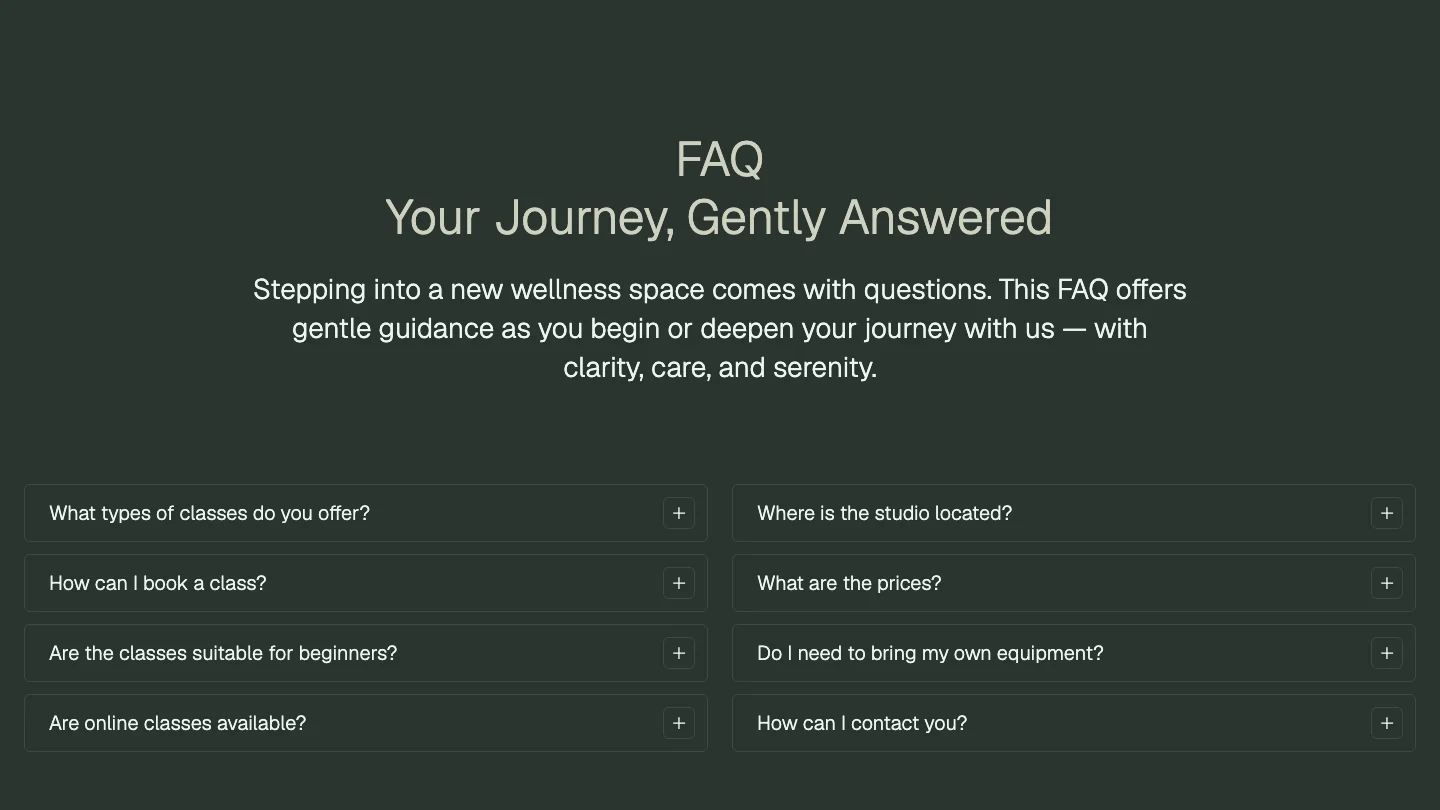
Sereniya - FAQ
FAQ
- Webflow
- HTML
- HTML
- Prompt
FAQ · 2 sections
Every faq section on the shelf, taken from real templates. Each one in Webflow, Framer and Figma, with an AI prompt for any AI builder.
See the wireframesShowing 1 to 2 of 2
FAQ
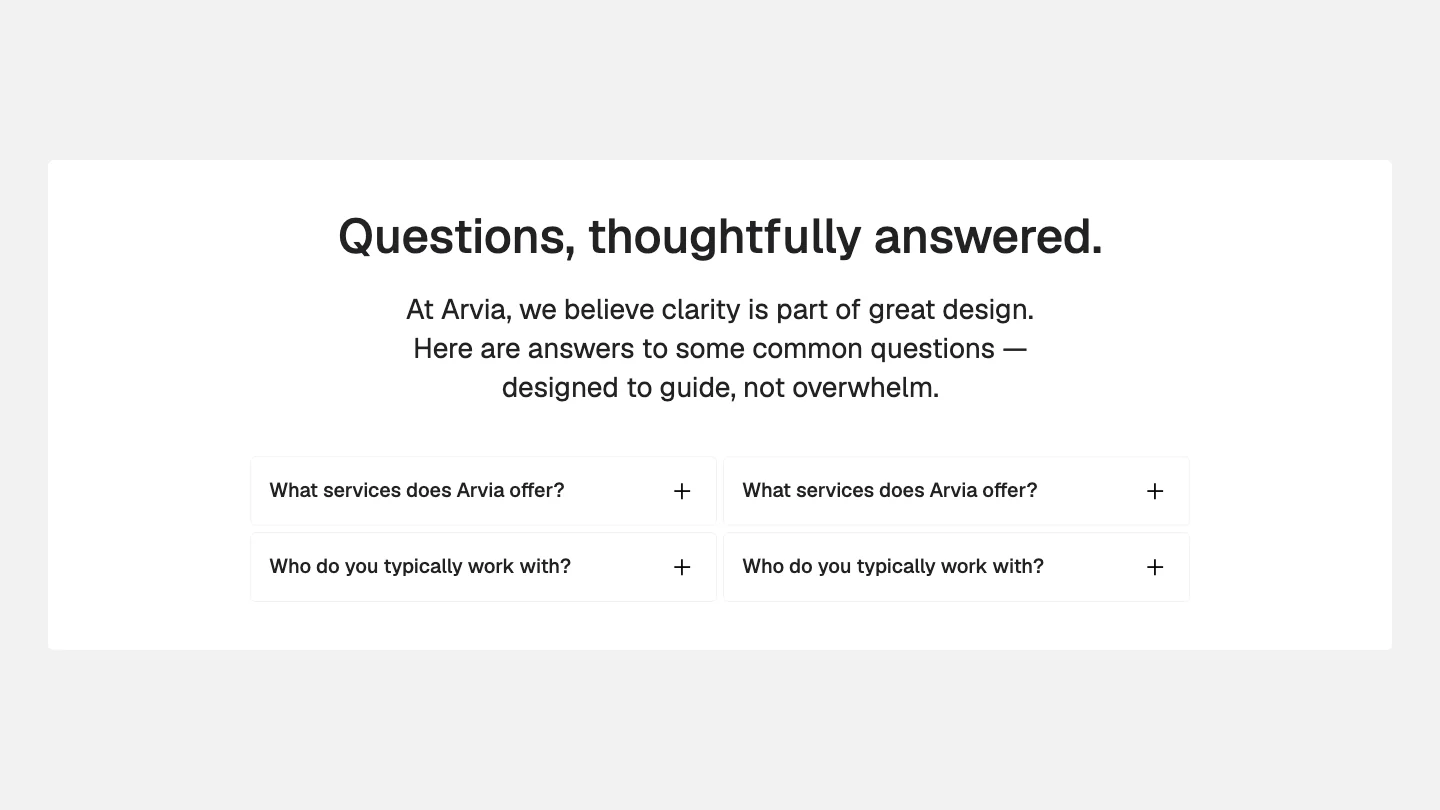
FAQ
Prompts
Every section comes with a written brief: layout, content, type, colour, spacing, breakpoints and motion. Paste it into any AI builder and get the same section, built your way.
Build a centred "Our Approach" statement for a branding and design studio, a heading over three short lines that say how the studio works. Match every value below exactly: sizes are CSS pixels, breakpoints are max-widths.

LAYOUT
- Section: full width, light grey background (#F2F2F2), text colour #222123. Padding 0 top and bottom, 48px left and right, no max-width container. Its height follows the content (334px at 1440px).
Copy every section and prompt with All access, $199 per year.
Previews are free to browse. Copying needs the pass.
Browse by type and open any section to see it on desktop and mobile.
One click. The brief reads well for people and machines alike.
Use it in Figma Make, Lovable, Claude, v0, Bolt or any AI builder, or hand it to a developer as a spec.
Included in All access
There is no single-section purchase. All access opens every section, every prompt and every template, for one yearly price.
$199per year
Showing 1 to 2 of 2
FAQ
FAQ
Build a centred "Our Approach" statement for a branding and design studio, a heading over three short lines that say how the studio works. Match every value below exactly: sizes are CSS pixels, breakpoints are max-widths.

LAYOUT
- Section: full width, light grey background (#F2F2F2), text colour #222123. Padding 0 top and bottom, 48px left and right, no max-width container. Its height follows the content (334px at 1440px).
Copy every section and prompt with All access, $199 per year.
Previews are free to browse. Copying needs the pass.